Rego
Rego★★★★★
Brilliant app, could not do without it!
"As a former Pin Drop user I was really disappointed when they stopped the app. Along came Rego and all the disappointment has gone — this is everything I need it to be and more."
Loved by travelers, hikers & local explorers
Rego is a private library for the places that matter to you. Save that restaurant, trailhead, beach or hidden gem in seconds — and find it again when you need it, on iPhone and iPad.
Free to download · iPhone & iPad · Mac in development
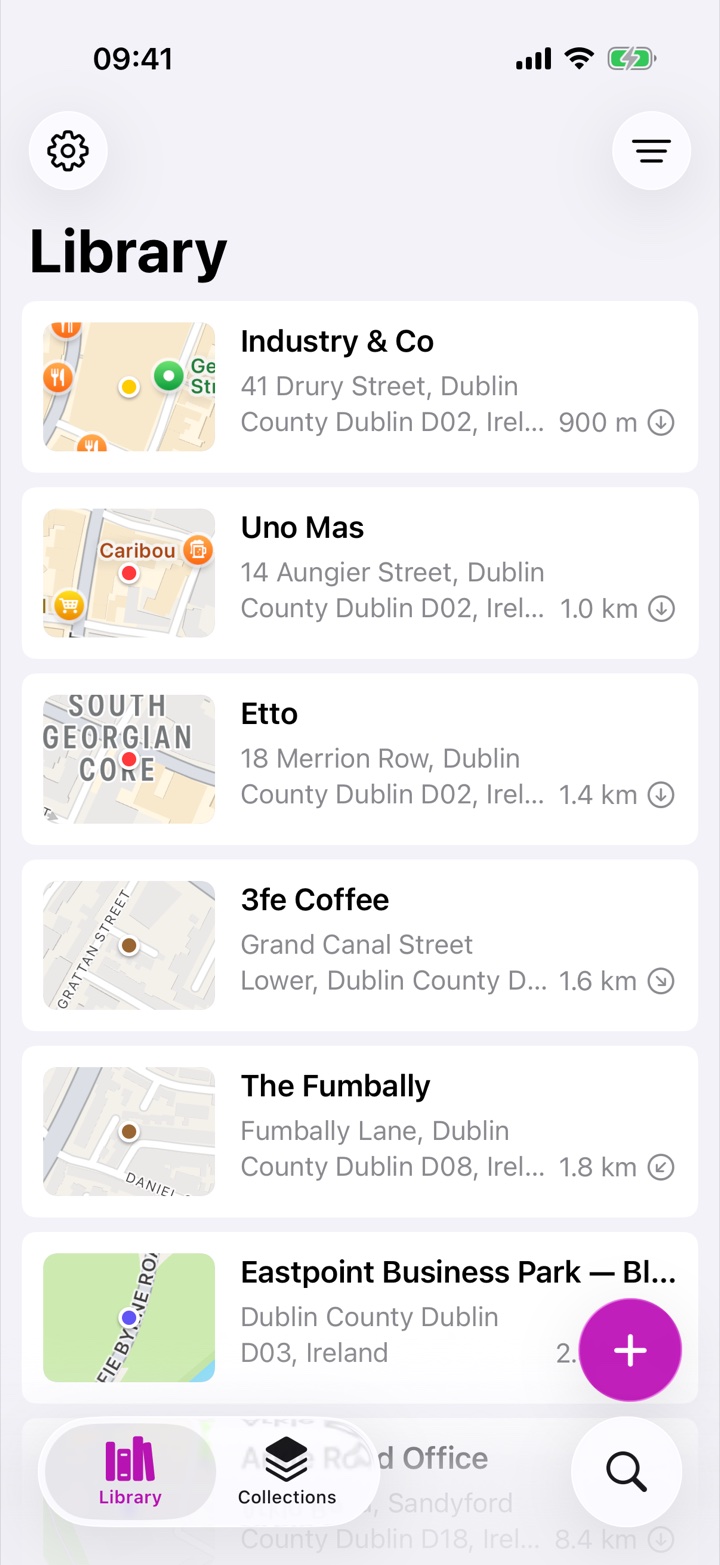
Ordinary map apps are built for finding what exists — not for keeping what matters to you. Rego is built around one simple loop:
Save a place in seconds from wherever you are — or whatever you have.
Your own name, notes and photos — what the place means to you.
Folders, collections, stars and colors. As much or as little as you like.
By distance, recency, name, search, color or map — whatever you remember.
Navigate there with one tap, using your favorite maps app.
However a place finds you, Rego is ready. You never need to know the "correct" address to keep a place.
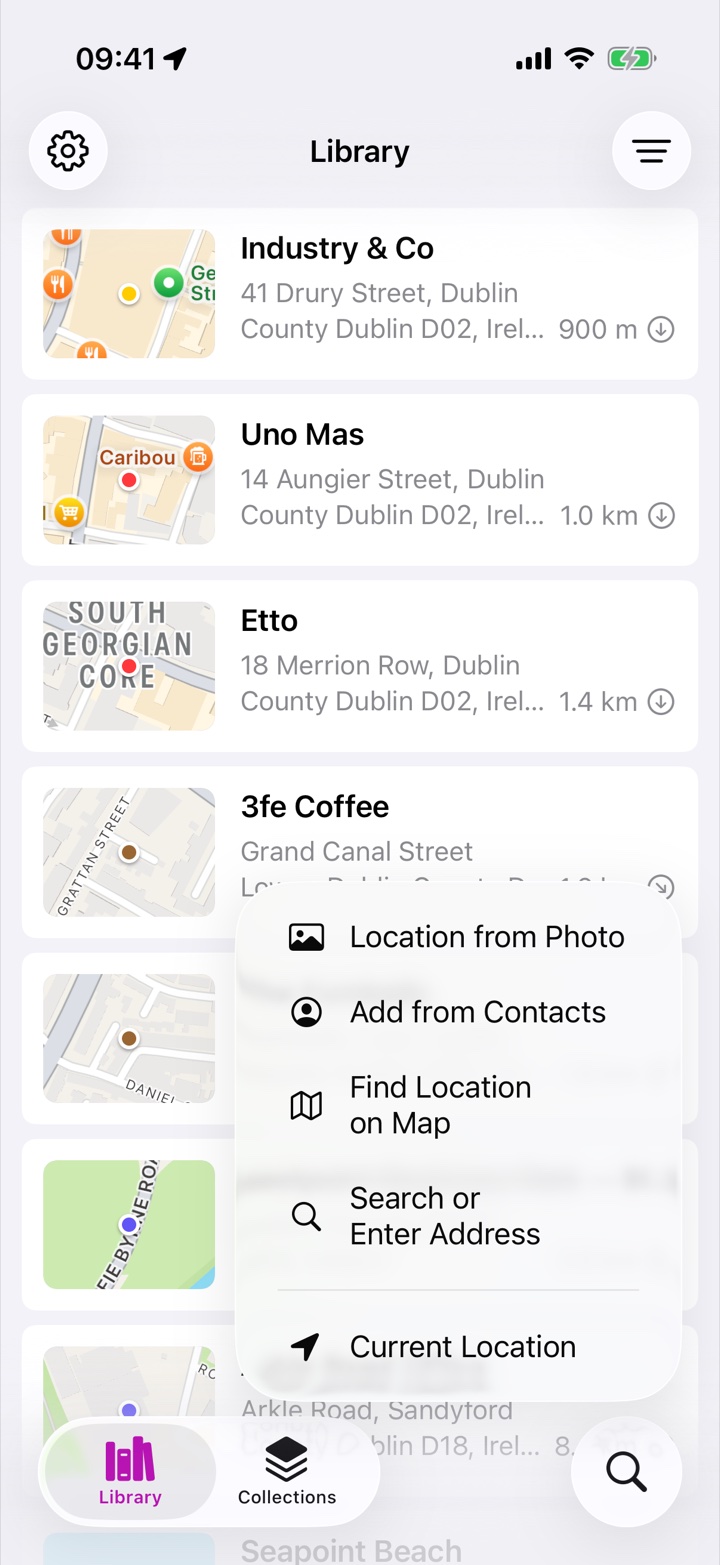
A public directory can tell you what a place is. Rego keeps what it means to you — and that's what you'll actually search for later.
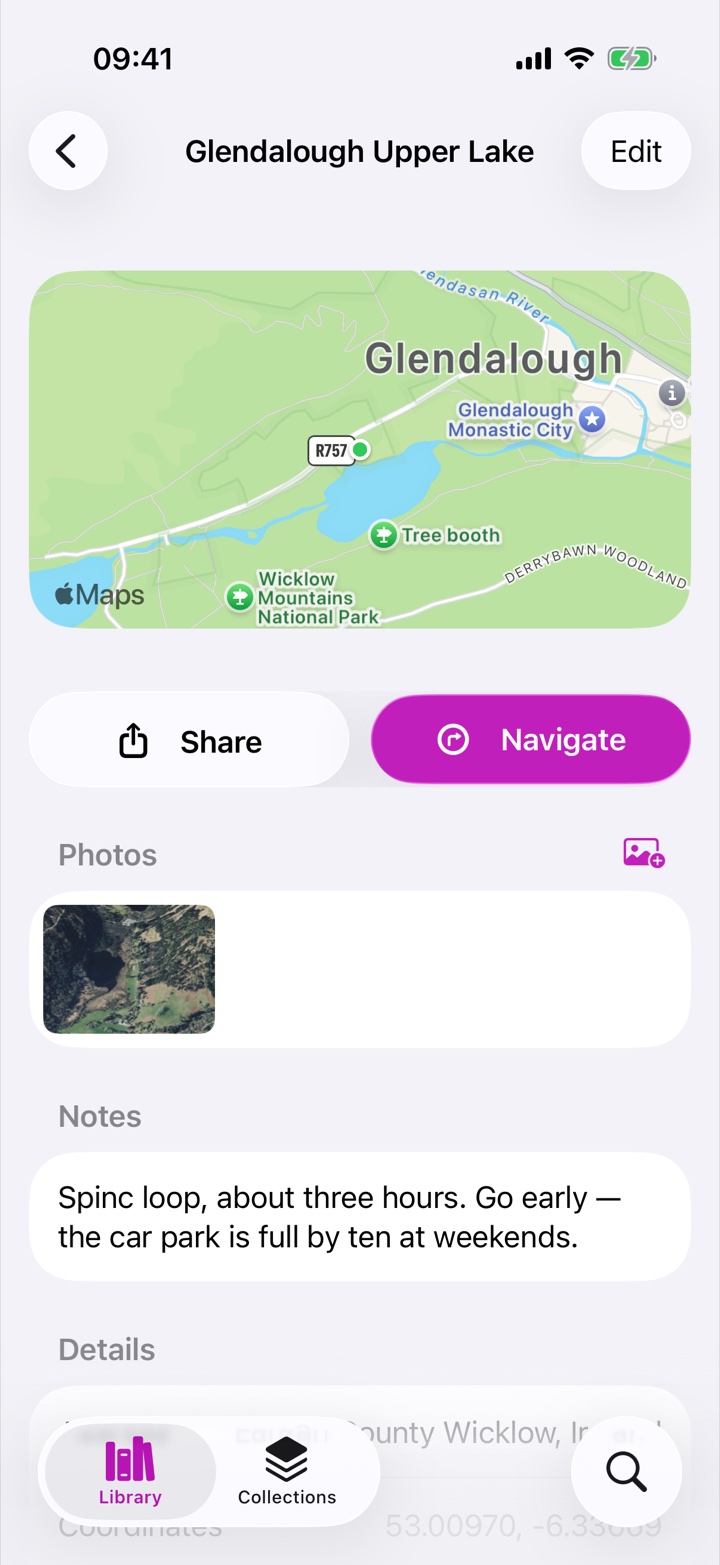
There's no "right" taxonomy in Rego — invent your own, or none at all. Organizing later is always allowed.
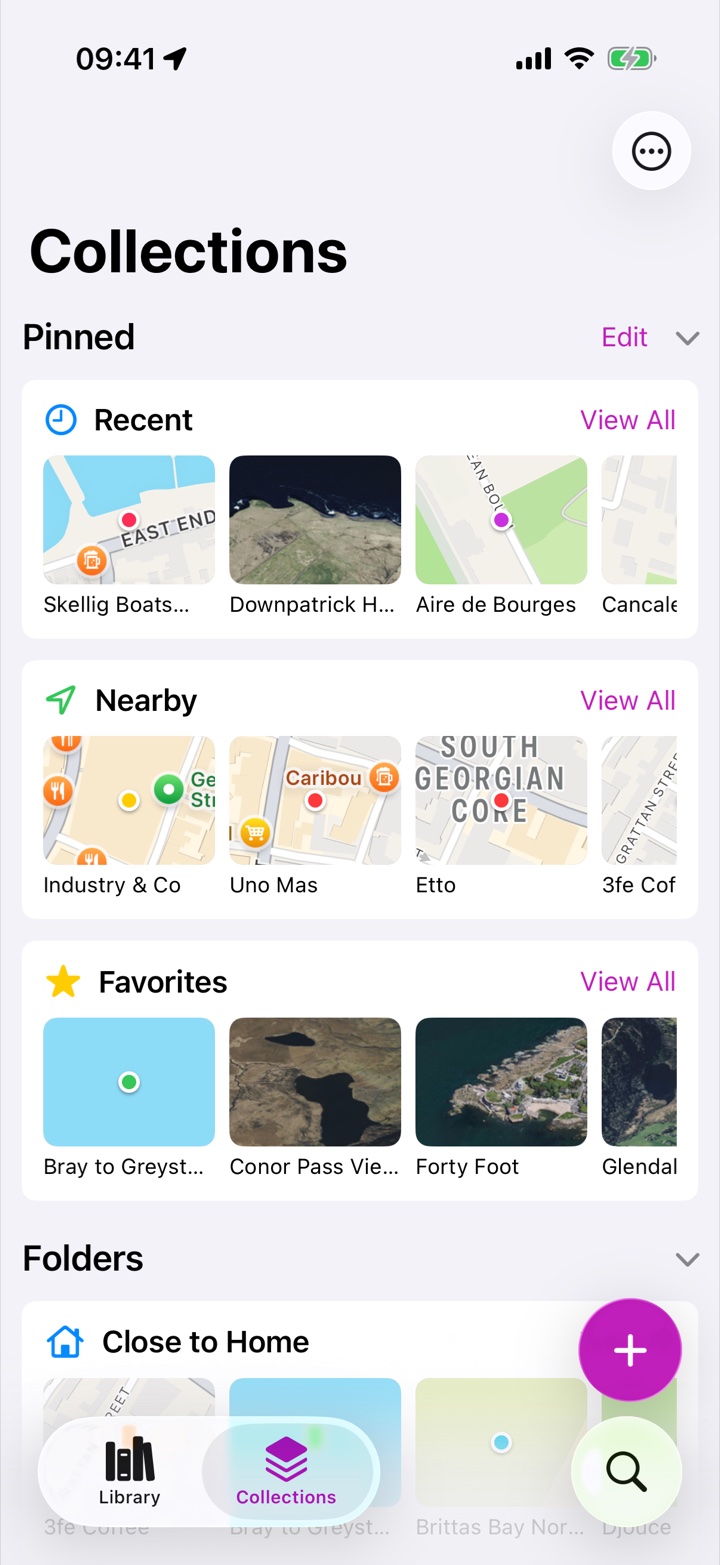
Roughly where it is. When you saved it. A word from a note. Its color. Any cue works — that's the whole point.
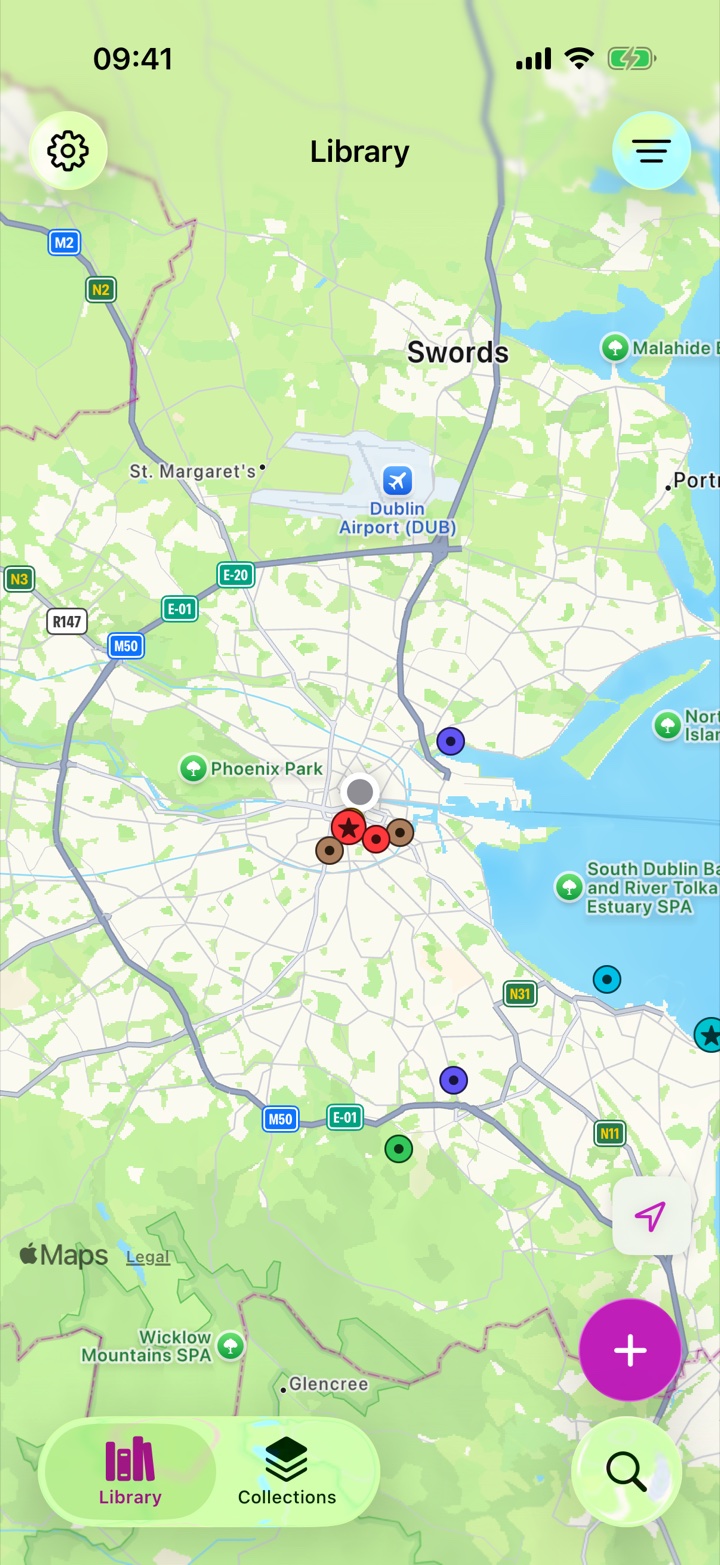
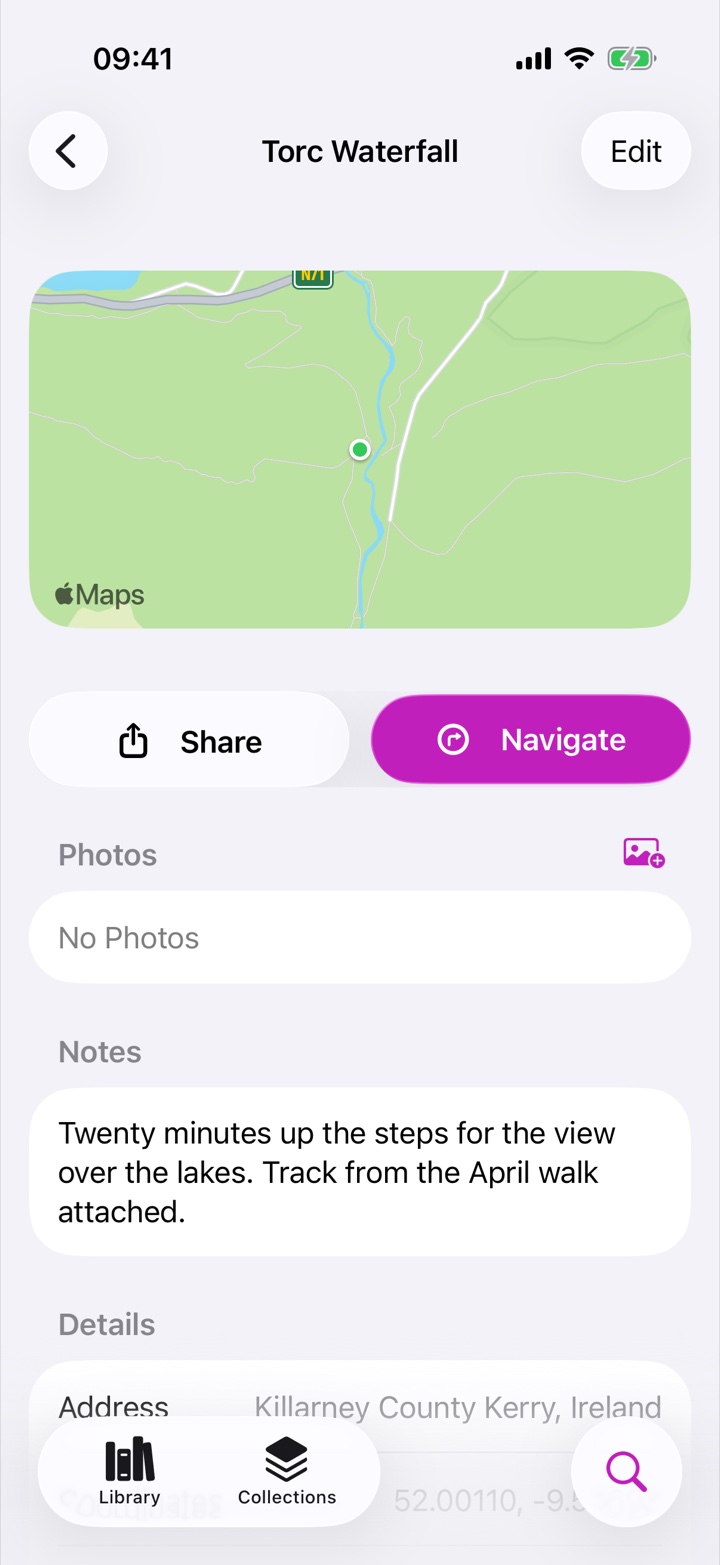
Import GPX tracks and they live in the same library as your places: name them, star them, color them, file them in collections — with length and start point at a glance.
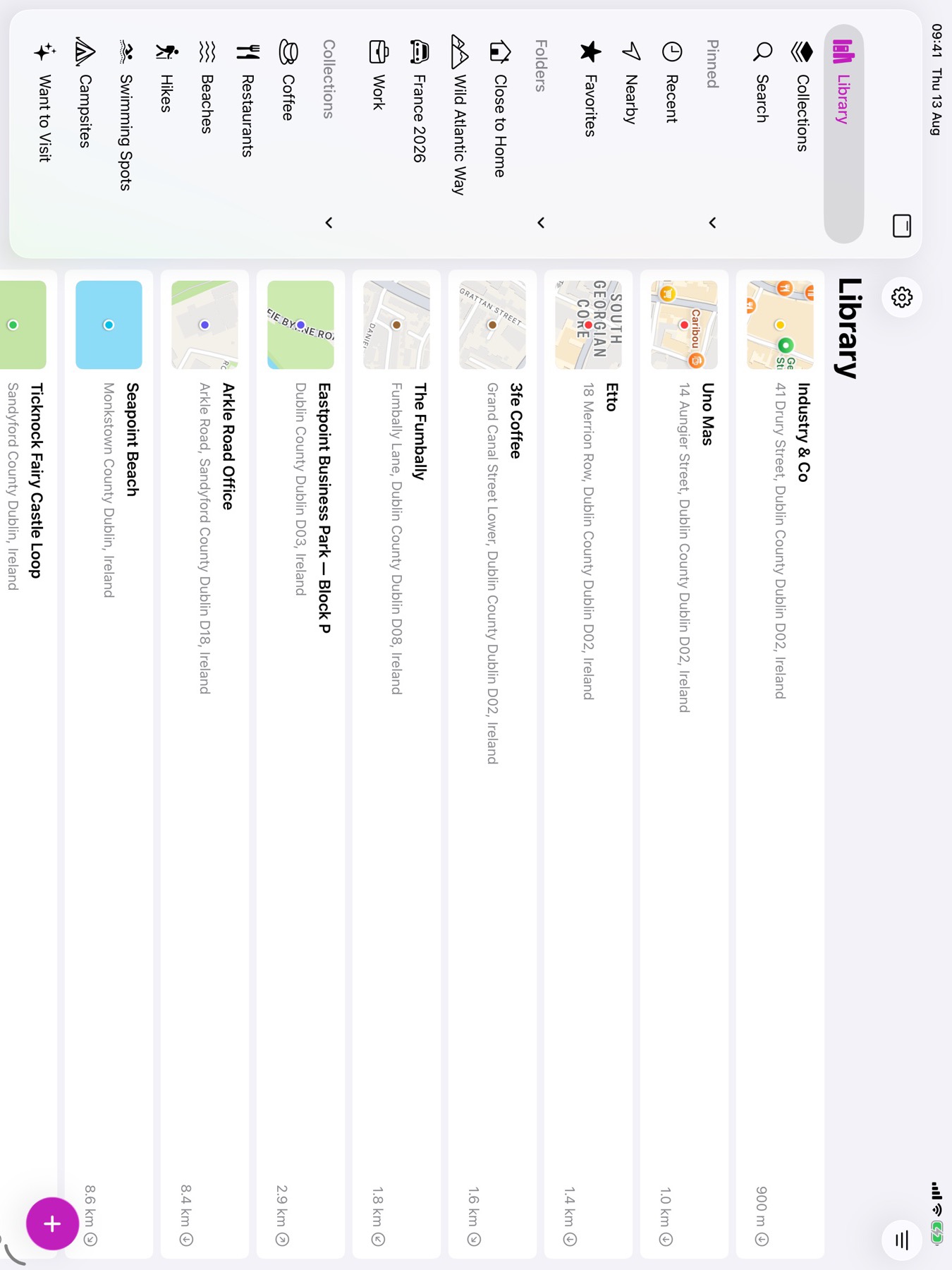
Rego now has a real iPad experience with a Photos-style sidebar — and your whole library syncs privately through iCloud. No account to create, nothing to configure: install Rego on a new device and your places arrive on their own.
Rego 3 is a ground-up rewrite of an app people have trusted with their places for over a decade.
Places, notes, photos, tracks and collections on every device, automatically — stored in your iCloud, not on our servers.
Send places straight from Apple Maps or Google Maps — Rego even untangles Google's opaque short links.
A true iPad app with a Photos-style sidebar that puts folders, collections and pin colors one tap away.
KML, KMZ and GPX — Google My Maps, Google Takeout, Google Earth and the wider GPS ecosystem.
Browse your library visually — and places without a photo get a clean generated map thumbnail instead of a gray box.
A genuinely lossless native format for backup and transfer, plus KMZ, KML and GPX that open in Google Earth, My Maps and GPS apps.
Upgrading migrates your existing library automatically — and old Dropbox backups can be restored right from the Files app.
In development: a native Mac app sharing the same private iCloud library as your iPhone and iPad.
Rego was designed around a simple idea: your places are personal. Saving a place never publishes anything, anywhere.
There's nothing to sign up for. Your library lives on your devices and in your private iCloud — we never see it.
Nothing becomes public as a side effect. Sharing and exporting happen only when you choose them.
Everything can leave Rego whenever you want — lossless native archives, or open KML, KMZ and GPX. That's a promise, not a feature.
Rego doesn't impose categories like "visited" or "want to go". People build their own systems — here are a few favorites.
Save everything you want to see before a trip, use Rego to get around during it, and add photos and notes after.
Preload GPX routes, find nearby trailheads, and keep every swim spot and summit you've earned.
Restaurants, cafés, shops and parks — plus every recommendation a friend has ever given you.
A private travelogue of where you've been, told in places, photos and notes instead of posts.
From the Great Wall to that tiny sushi bar in Tokyo — keep every someday-place in one library.
Photographers scouting locations, agents tracking properties — a private, location-based working set.
"As a former Pin Drop user I was really disappointed when they stopped the app. Along came Rego and all the disappointment has gone — this is everything I need it to be and more."
"The only app in which I can move freely and use the features as I like, instead of being forced into a specific workflow. In its feature set, Rego is unique and has become irreplaceable to me."
"I wanted an application that would let me privately keep track of the places I've been. Rego has been incredibly simple to use — solid and simple, look no further."
"Absolutely the best waypoint management and database app I have found to date. I can't imagine traveling without it now. Responsive support and frequent updates."
"We go on many day trips and this app is great for remembering that little place with the great food, or the shop that you love. Categorize it however you want."
"If you travel or want to keep a note of places you want to see, this is the app for you! Brilliant piece of kit!"

Free to download. Private by default. Built to be trusted with your places for the next decade, too.